
The Definitive Guide to Choosing the Best Smart Thermostat for Your Home Efficiency
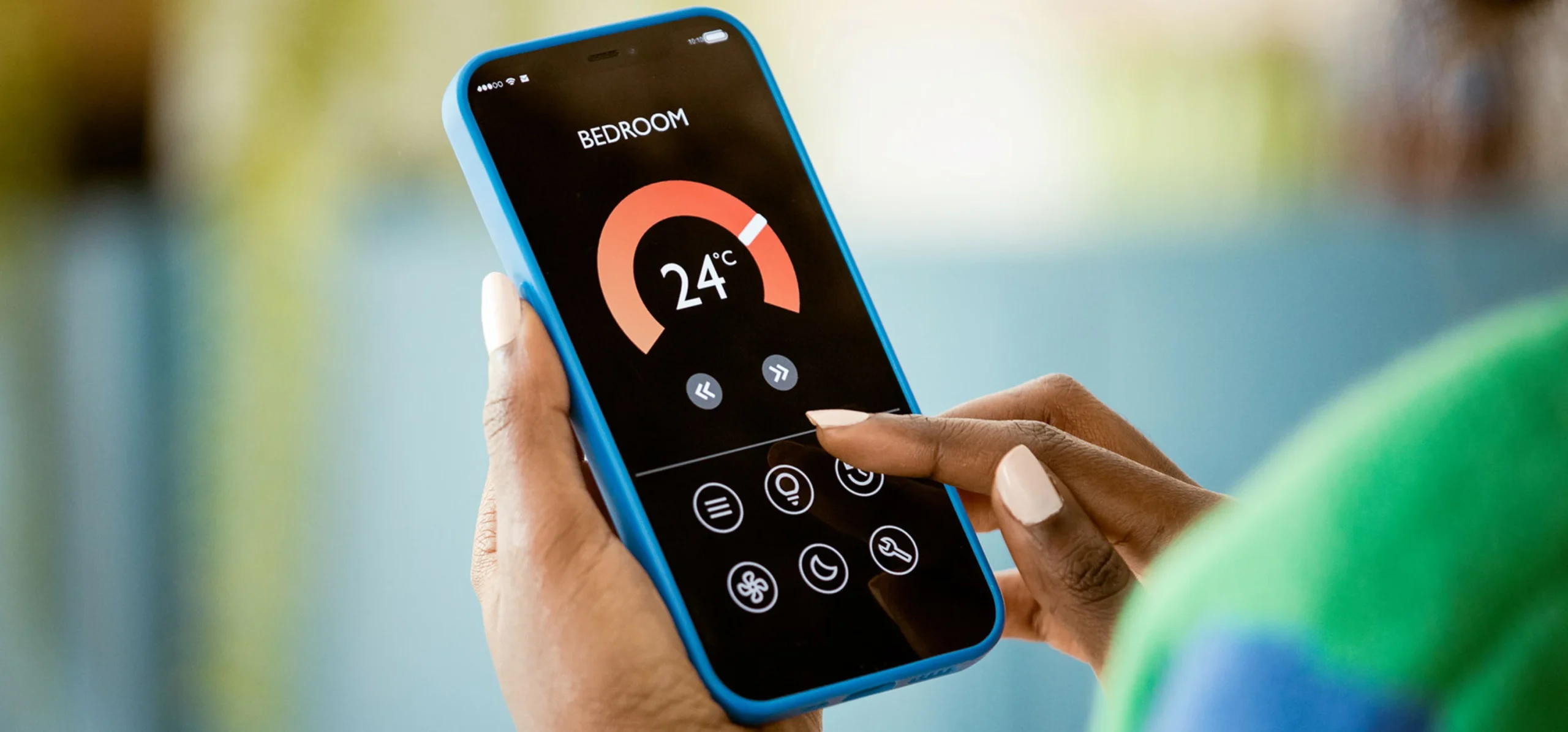
Homeowners now crave ways to cut energy bills while making life simpler. Smart thermostats sit at the heart of this change. They blend home automation with real savings. In 2025, with energy costs climbing, these devices help you control your home’s climate from anywhere.
A smart thermostat goes far beyond old-school timers. It learns your habits, adjusts temps on its own, and tracks power use. You can tweak settings via an app or voice commands. This guide walks you through picking the best smart thermostat. We’ll cover key features, top picks, and setup tips. By the end, you’ll know how to match one to your home for max comfort and savings.
Understanding Smart Thermostat Core Functionality and Value Proposition
Smart thermostats change how you heat and cool your space. They use tech to make your HVAC system smarter. Forget manual tweaks; these gadgets handle it all.
Beyond Programmable: Key Technological Differences
Traditional thermostats let you set schedules. Smart ones add geofencing to spot when you leave home. They sense if rooms are empty and skip heating unused spots. Some link to utility alerts for off-peak rates.
Check your local power company first. Many offer cash back if you join demand programs. This boosts your smart thermostat’s perks right away.
The ROI of Intelligence: Energy Savings Potential
Owners save up to 10-15% on heating bills each year. ENERGY STAR reports show this from smart learning features. Nest users, for example, cut gas use by 8% on average.
These numbers add up fast. A £200 device pays for itself in two years. Track your own savings via the app’s reports.
Installation Requirements: Compatibility Checks Before Purchase
Most homes need a C-wire for steady power. Without it, you might buy an adapter. Check your HVAC type too—works with furnaces, heat pumps, or mixed setups.
Older houses often lack this wire. Test your system before buying. Ensure strong Wi-Fi covers the install spot.
Essential Features to Prioritise in Your Smart Thermostat Selection
You want a device that fits your routine. Focus on what matters most for daily use. Let’s break down the must-haves.
Learning Algorithms vs. Schedule-Based Control
Some thermostats, like the Nest, watch your moves and adapt. They learn when you wake up or arrive home. Others, such as Ecobee, need you to set times upfront.
HVAC pros often favour learning models for busy folks. They save time once set up. But schedule ones give you full control if you like routines.
Remote Access, Voice Control, and Third-Party Integration
Control temps from your phone, no matter where you are. Pair it with Alexa or Google for voice tweaks. Apple HomeKit fans get smooth links too.
Apps make this easy. Try a demo online to feel the interface. Pick one that matches your smart home setup.
Advanced Sensing Capabilities: Occupancy and Room Sensors
Single thermostats miss hot or cold rooms. Add sensors to check multiple spots. They average temps or focus on where you are.
This fixes uneven heating. Ecobee’s sensors, for instance, track occupancy. Your home feels just right everywhere.
Top Contenders: A Feature Comparison of Leading Models
Several brands lead the pack in 2025. We’ll compare hits like Nest and Ecobee. Plus, look at cheaper picks.
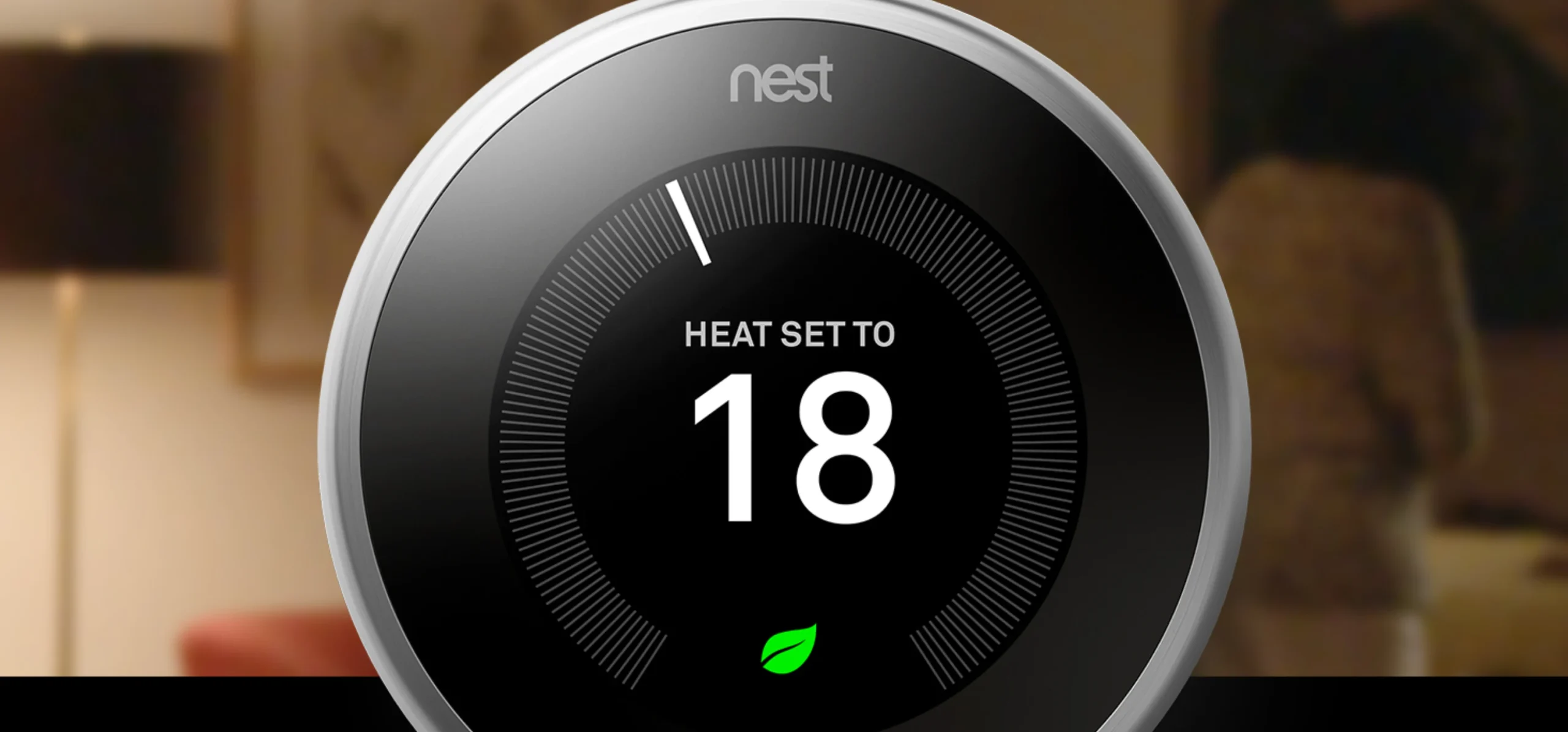
Nest Learning Thermostat vs. Ecobee SmartThermostat Premium
Nest shines with its sleek look and auto-learning. It predicts your needs and shows energy use on a clear screen. But it lacks built-in sensors.
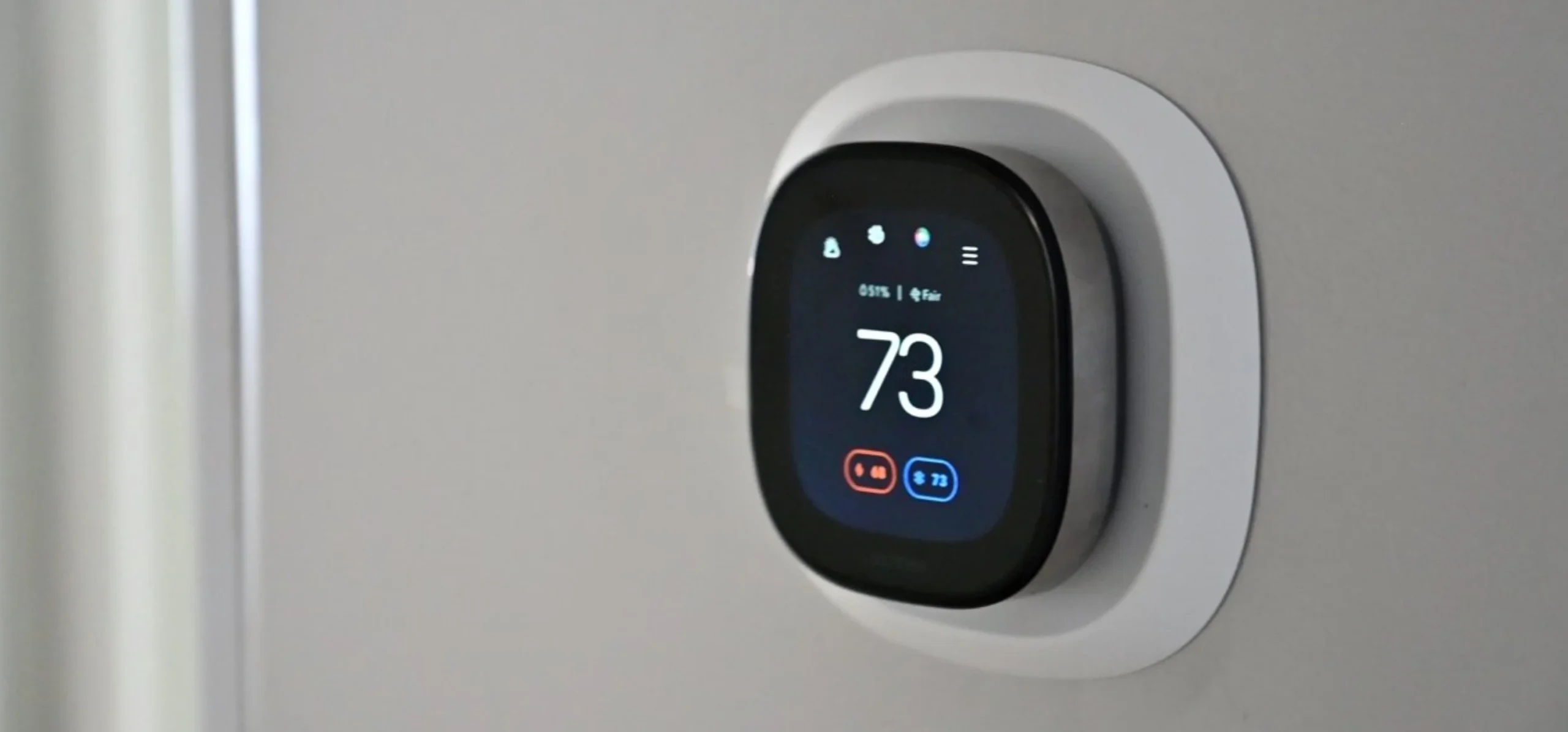
Ecobee offers room sensors and air quality checks. It monitors your HVAC for issues. Both cost around £200-£250, but Ecobee edges out for multi-room homes.
Nest suits minimalists. Ecobee wins for families with spread-out spaces.
Budget-Friendly Smart Options and Essentialism
Not everyone needs fancy bells. The Wyze Thermostat starts at £50. It gives Wi-Fi control and basic schedules.
Honeywell’s T9 model adds voice links for £150. These skip deep learning but save energy well. Great if your budget tops at £100.
Stick to basics for small homes. They still beat dumb thermostats.
Brand Reliability, Security, and Software Updates
Google backs Nest with steady updates. Ecobee patches security often too. Look for brands with five-year support.
Hack risks exist, so enable two-factor logins. Reliable firms fix bugs fast. This keeps your home safe long-term.
The Installation Process and Professional Setup Considerations
Setting up your new thermostat takes care. Follow steps to avoid mishaps. Most do it themselves, but know your limits.
DIY Installation Guide: Tools and Precautions
Turn off power at the breaker first. Snap a photo of your wires. Label each one with tape.
You’ll need a screwdriver and level. Remove the old unit, connect wires to the new base, and mount it. Takes 30 minutes if wires match.
Safety counts. Low voltage won’t shock you, but double-check power’s off.
When to Call an HVAC Professional
Complex systems like dual-fuel need experts. If your setup confuses you, hire help.
Better safe than a broken boiler.
Post-Installation Optimisation: Fine-Tuning for Peak Performance
Run the setup app to calibrate. Set humidity levels if available. Watch the first week’s data.
Adjust based on what you see. It learns fast, so tweak as needed. Your home soon runs smooth.
Maximising Savings and Enhancing Comfort Post-Purchase
Your thermostat keeps giving after install. Use its tools to trim bills more. Link it to other gear for full control.
Interpreting Energy Reports and Usage Data
Apps show daily graphs of power draw. Spot high-use times and shift them. Aim for 1-2 degree changes to save without chill.
Weekly summaries highlight wins. One user cut 12% by following tips. Act on the info for real gains.
Integrating Smart Thermostats with Whole-Home Systems
Pair with smart vents for even flow. Add air purifiers for better quality. Zoning apps divide your house into areas.
This creates a full smart climate setup. Start small, then expand. Comfort jumps across the board.
Conclusion: Making the Final, Informed Decision
Picking the best smart thermostat boils down to three points. First, match it to your home’s setup and wires. Second, weigh features against your spend—learning or sensors? Third, ensure it fits your voice assistants or apps.
Invest in one that pays back in ease and lower bills. Your warmer winters and cooler summers start now. Check compatibility today and upgrade your home’s brain.